
Five pages. One week.
The same on your Mac, your phone and in the browser.
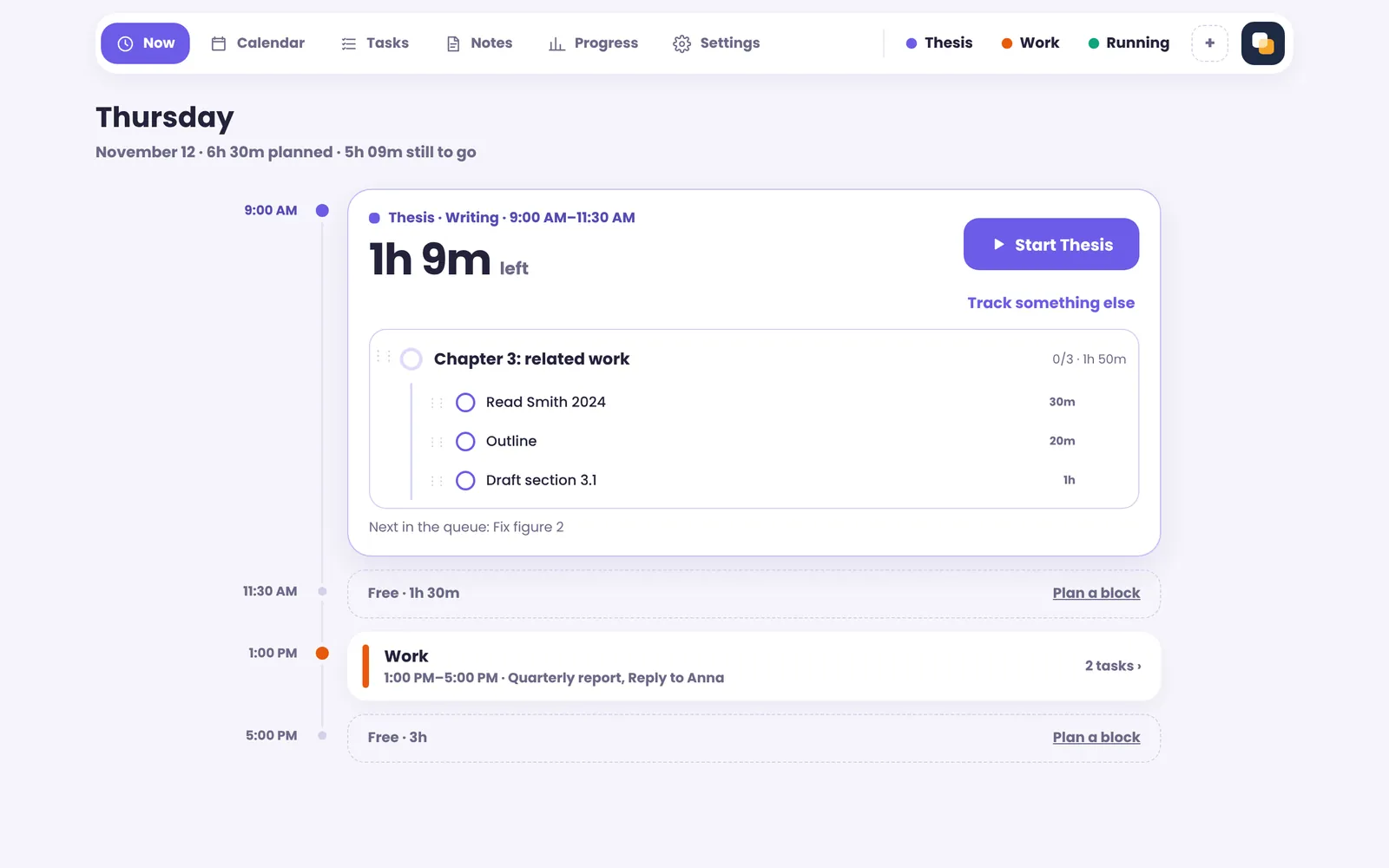
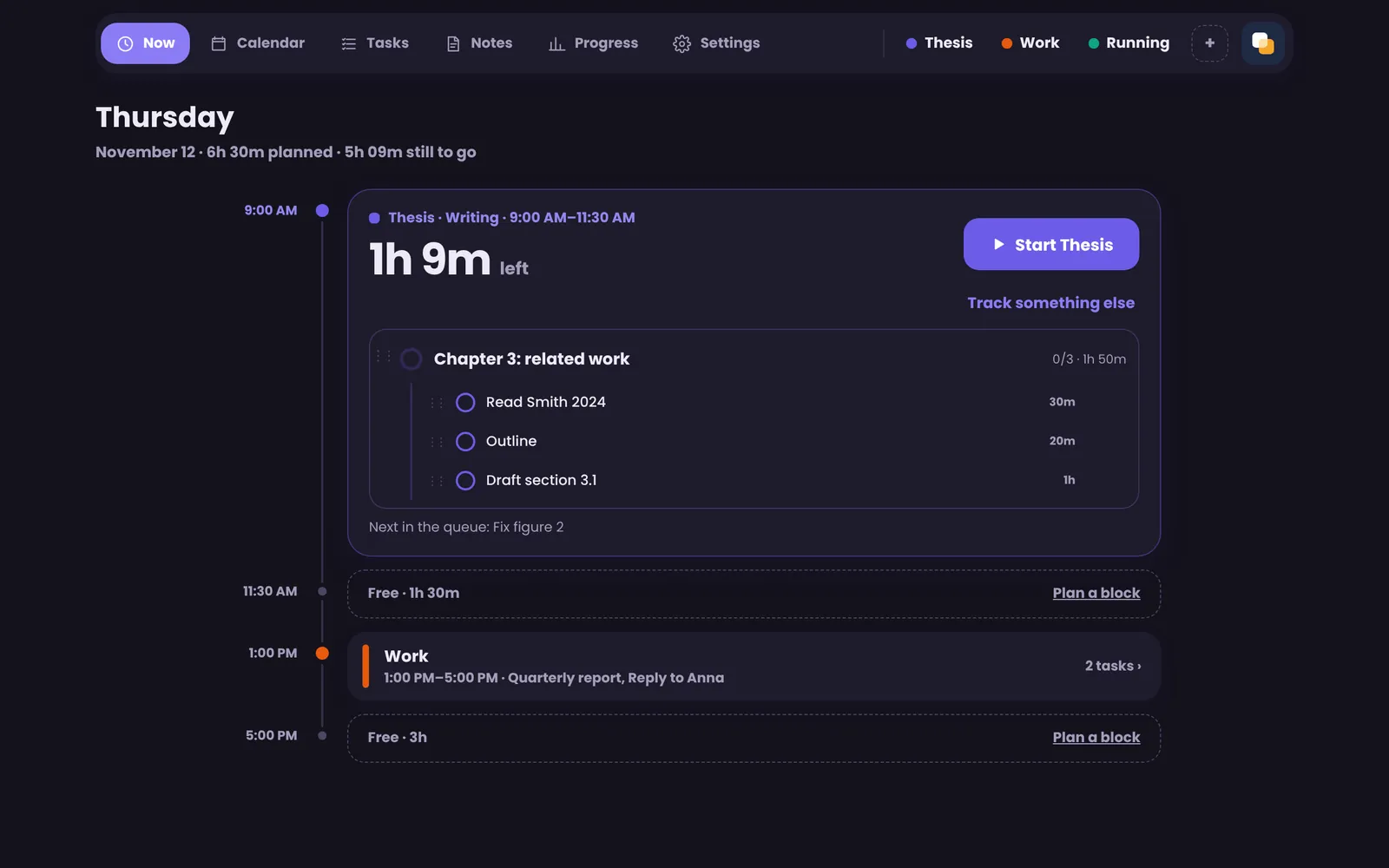
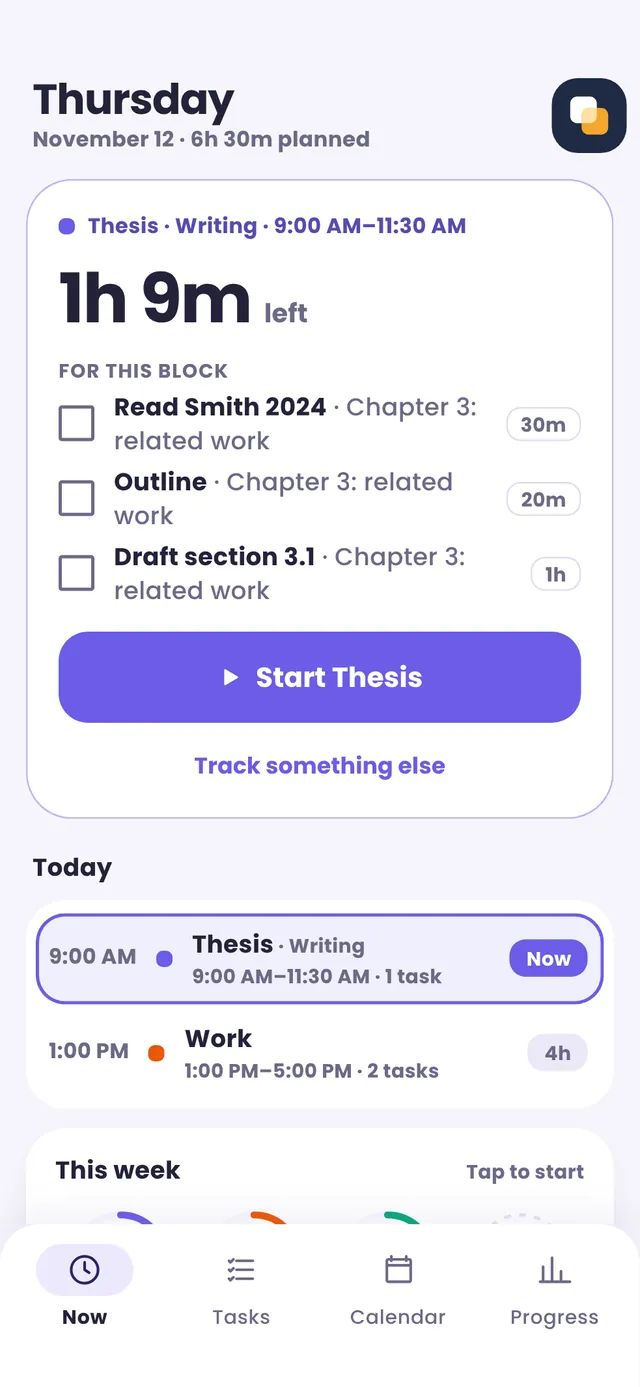
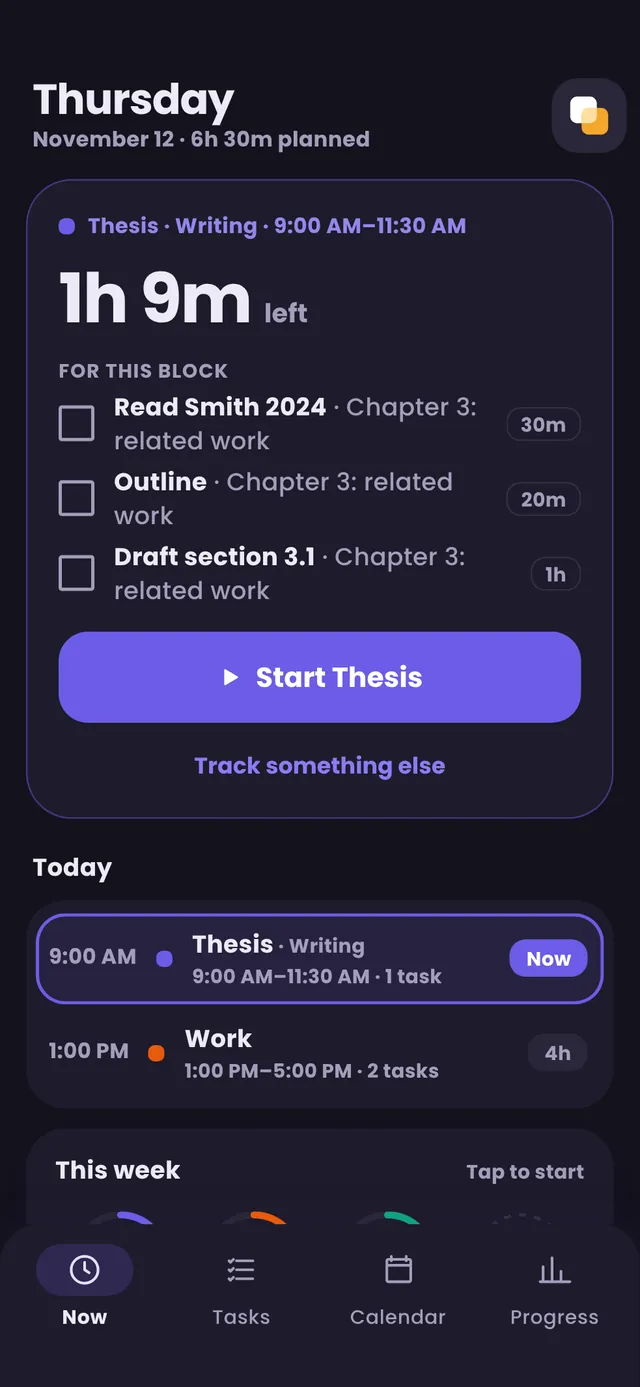
Now: one block at a time
- The block you’re in, and the time left
- Its tasks, ready to check off
- The rest of today as a timeline
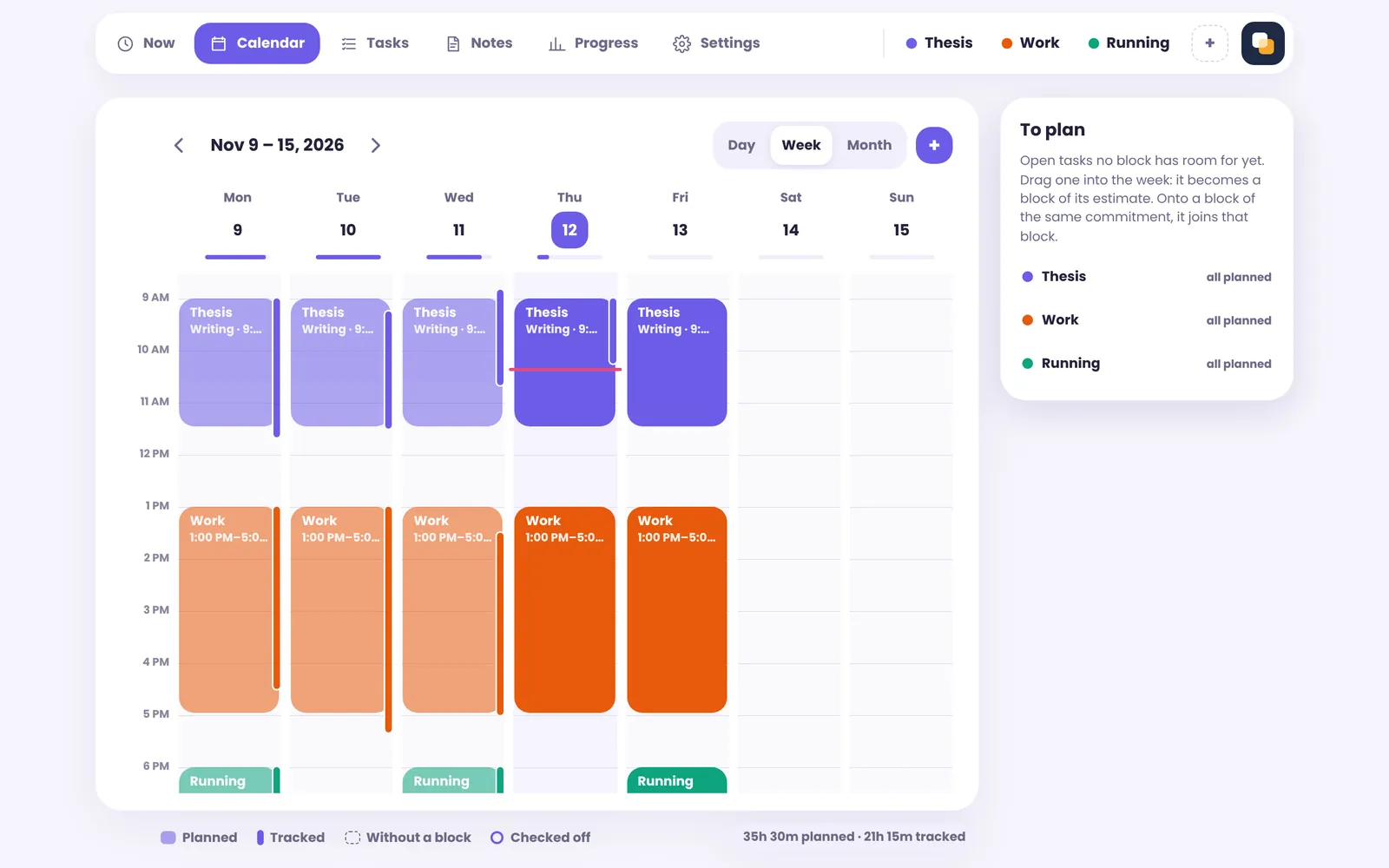
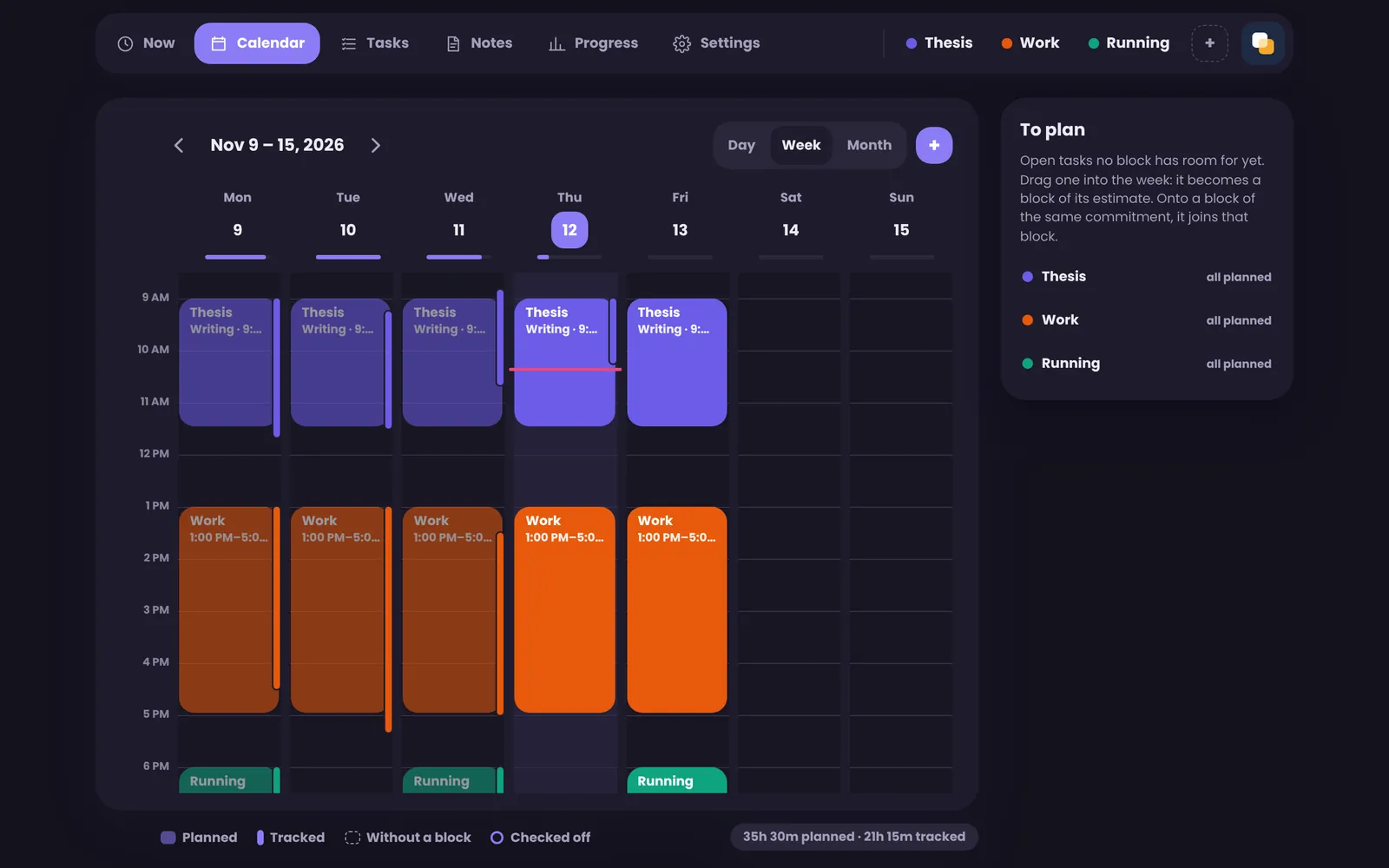
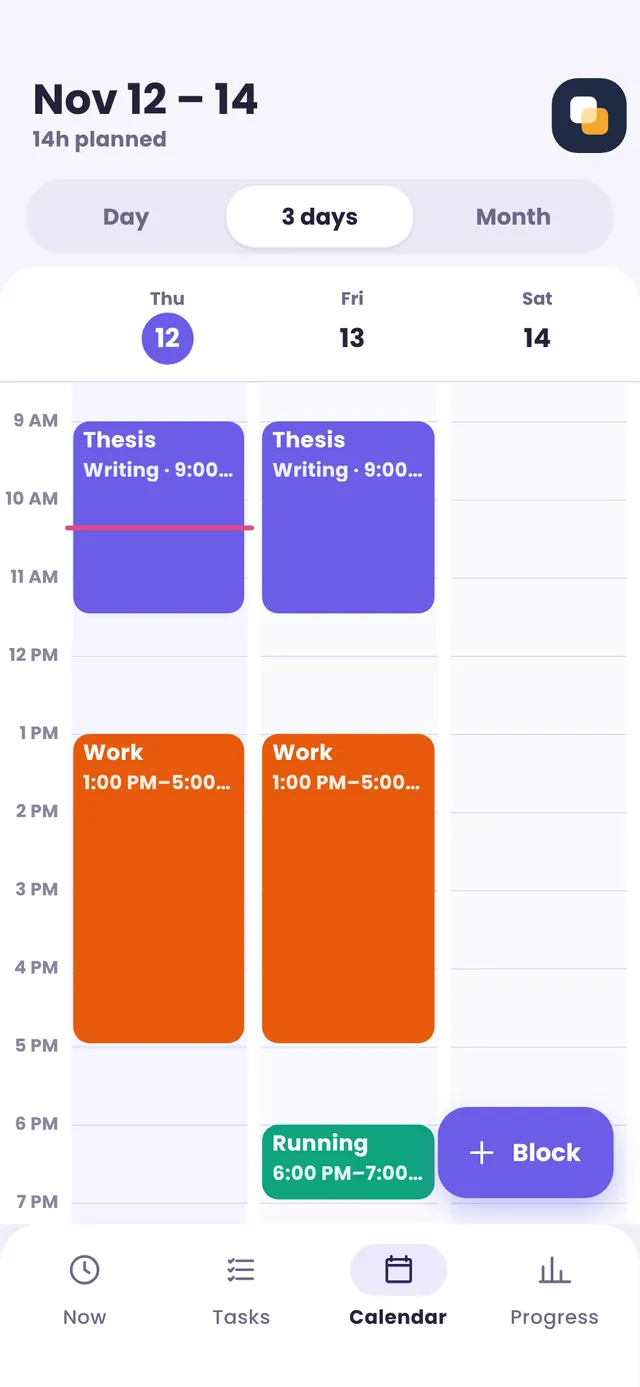
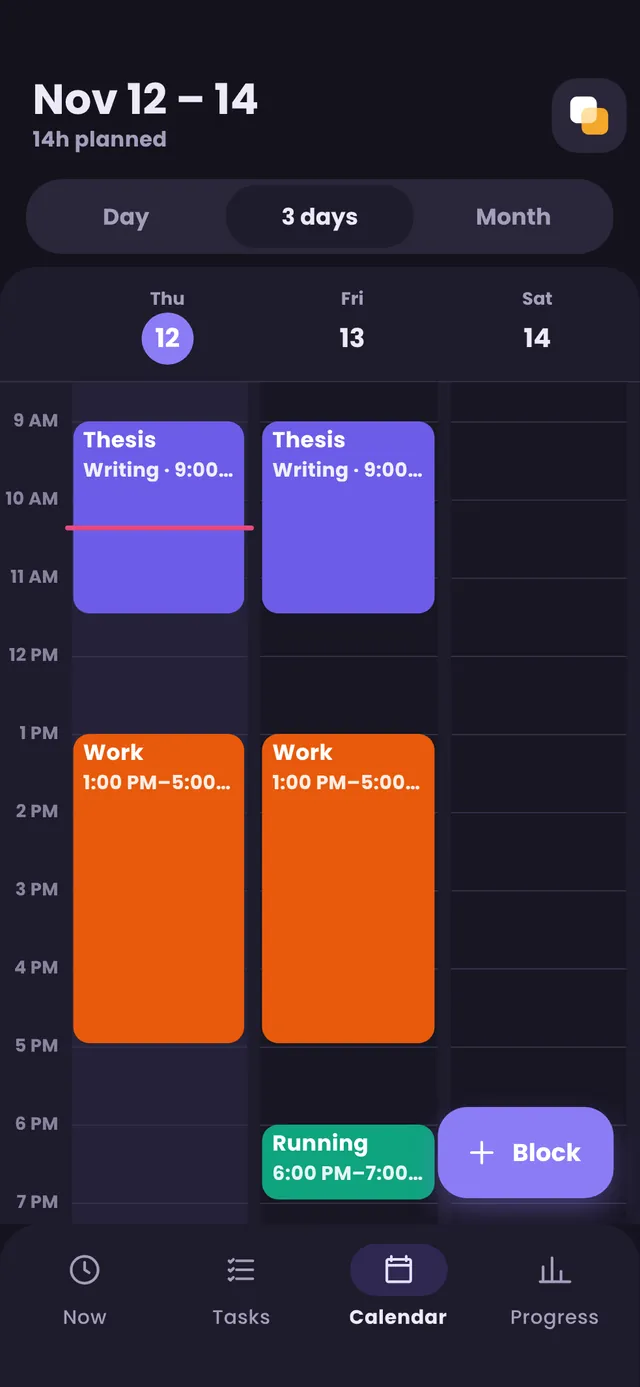
Calendar: planned and tracked
- Drag a task in: it becomes a block
- Tracked time beside every block
- Day, week or month; repeating blocks
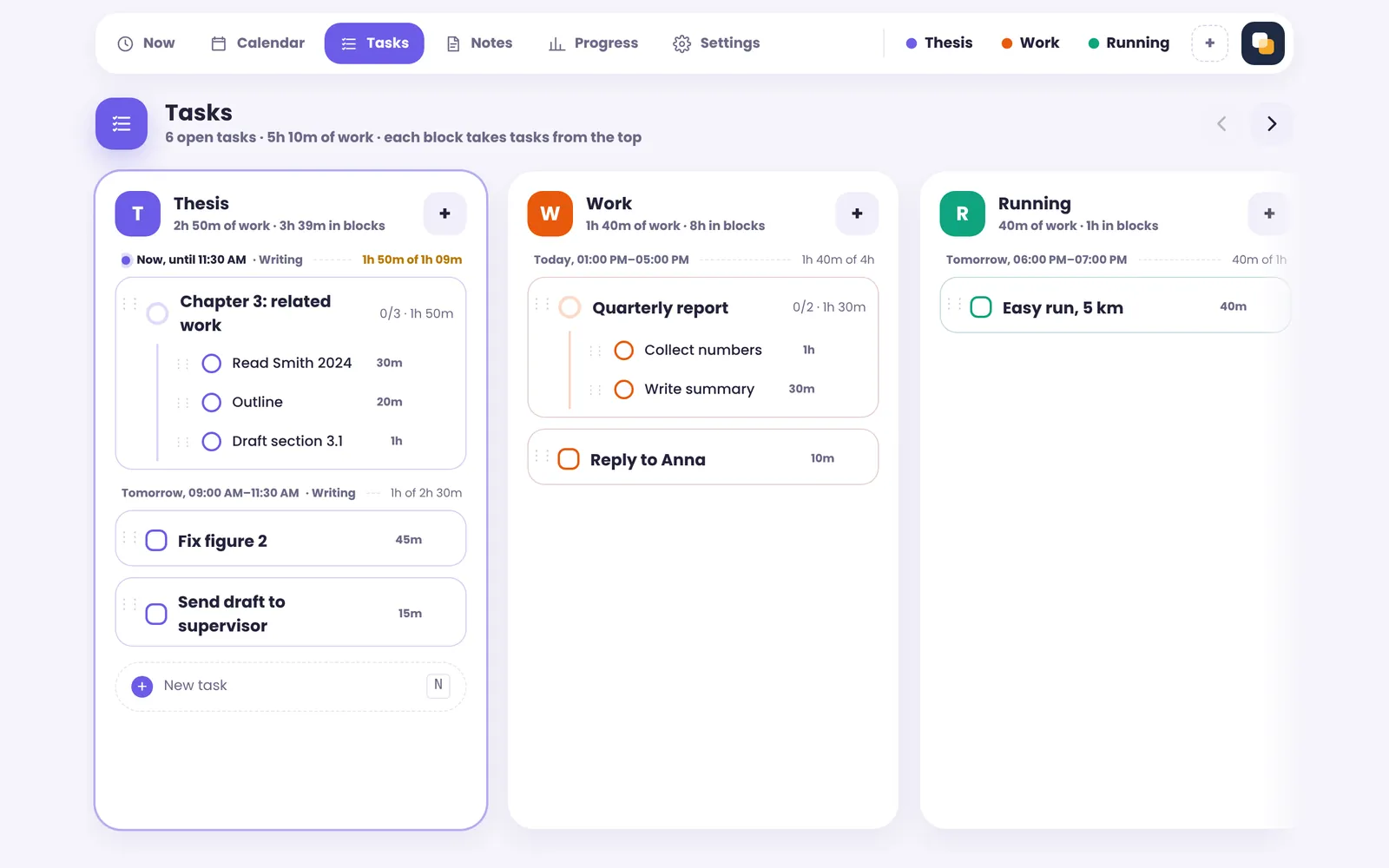
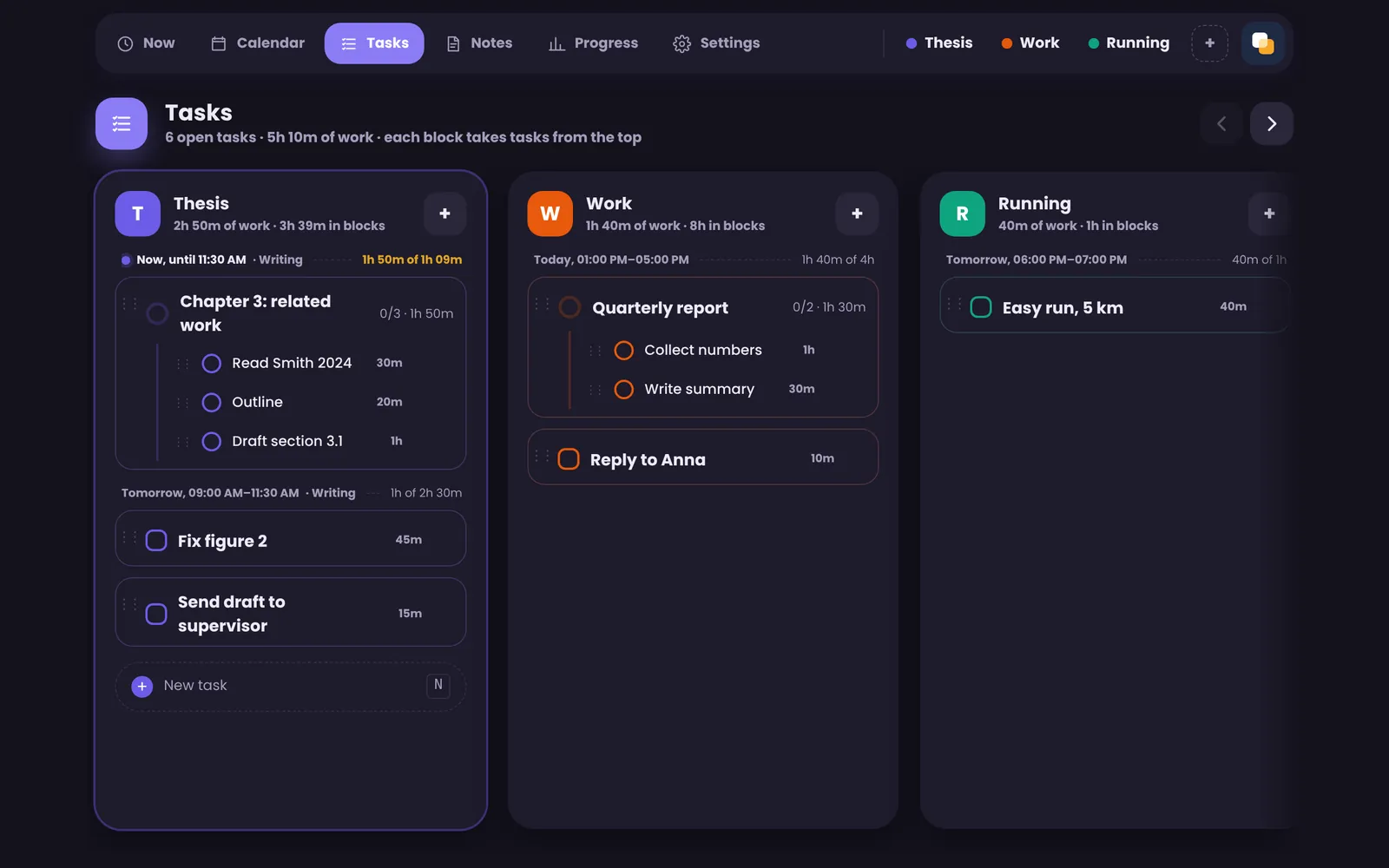
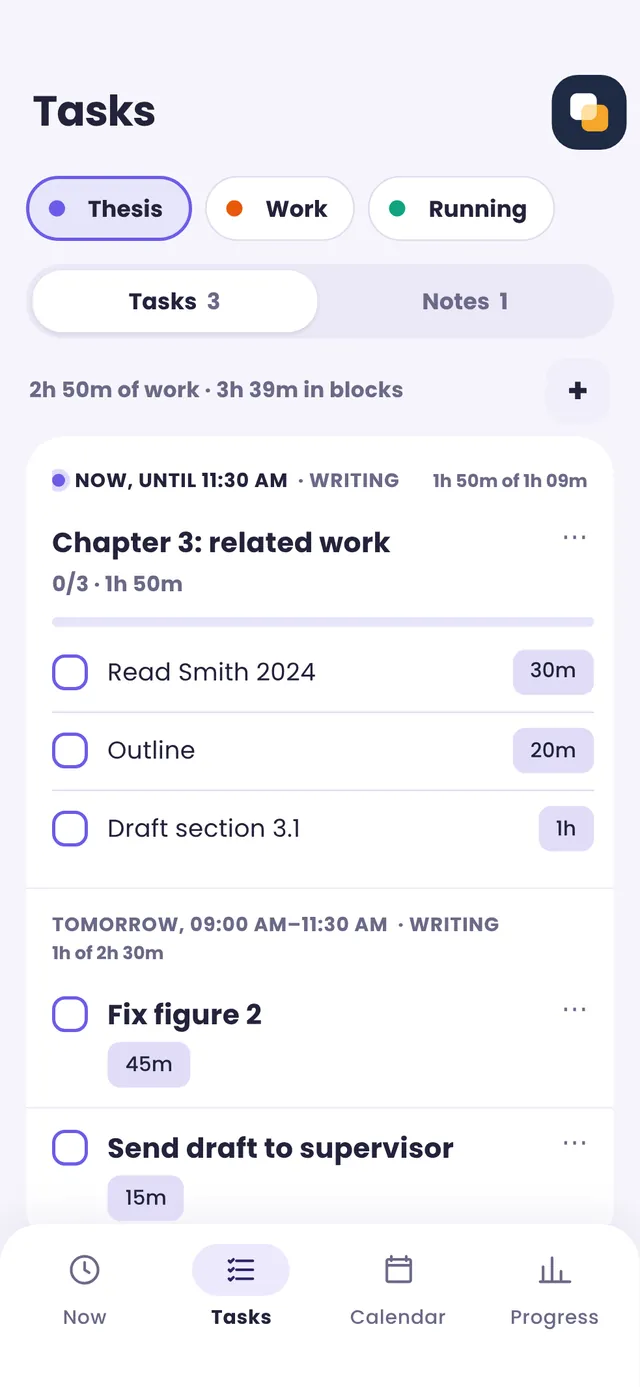
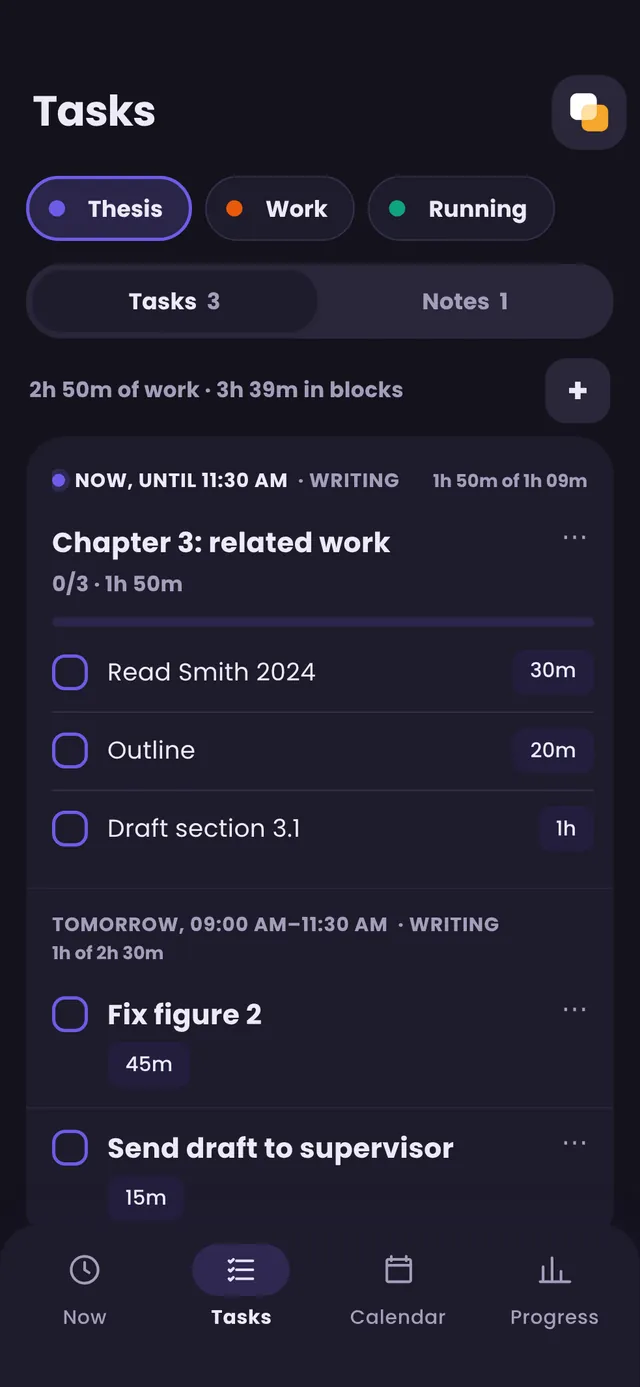
Tasks and notes, per commitment
- Estimates in the title: “Outline 20m”
- Subtasks, reordered by dragging
- Notes in Markdown, with checklists
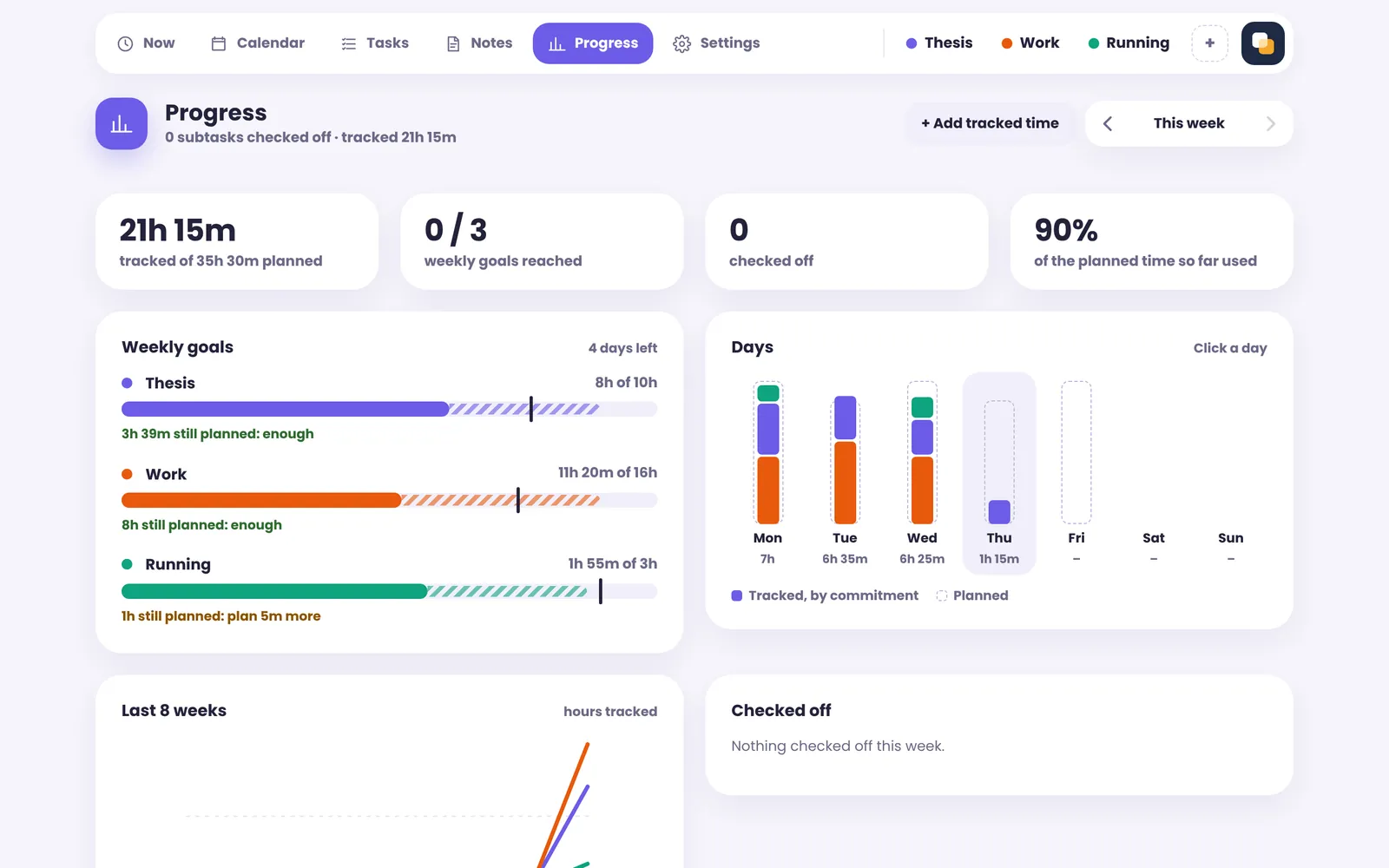
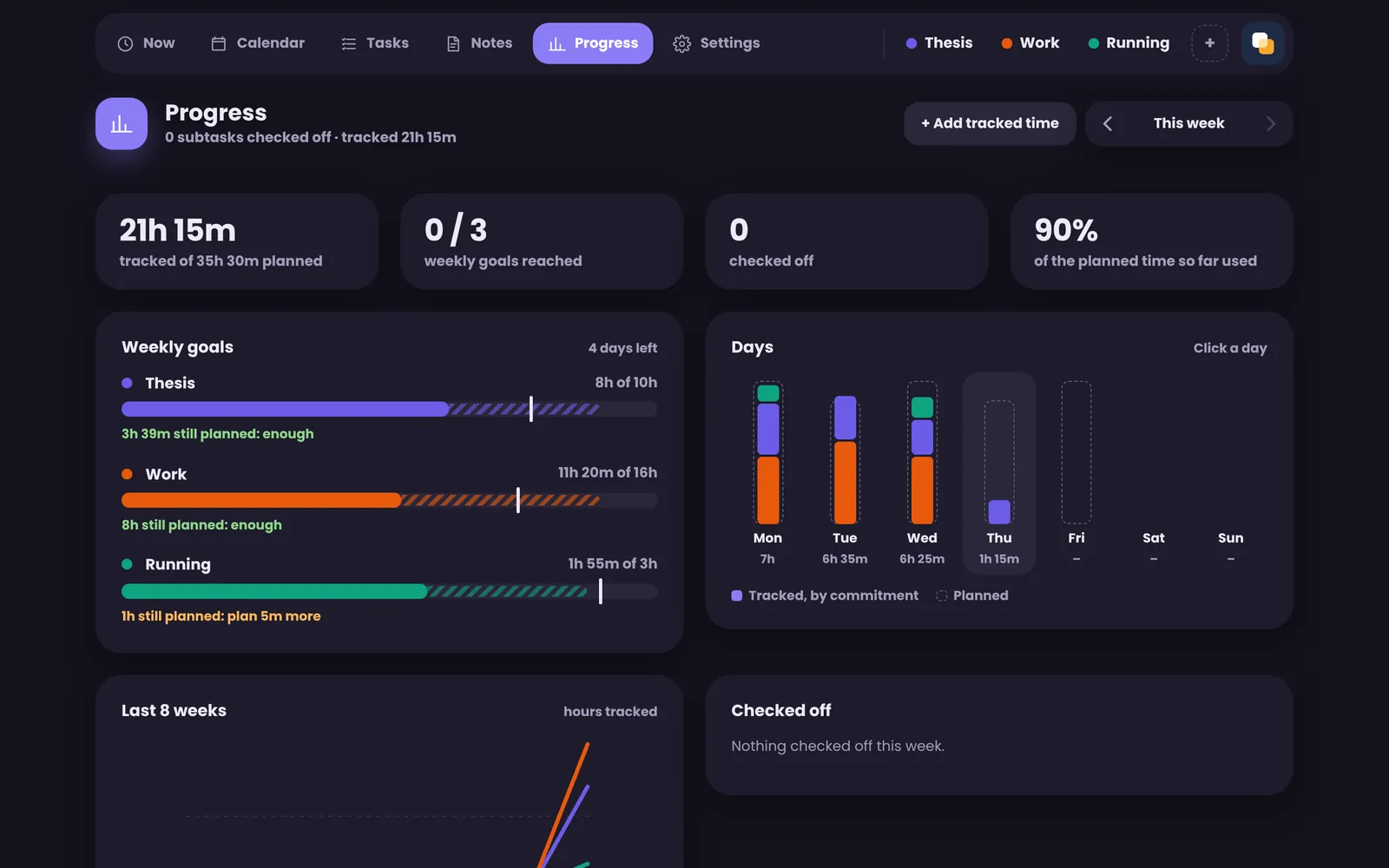
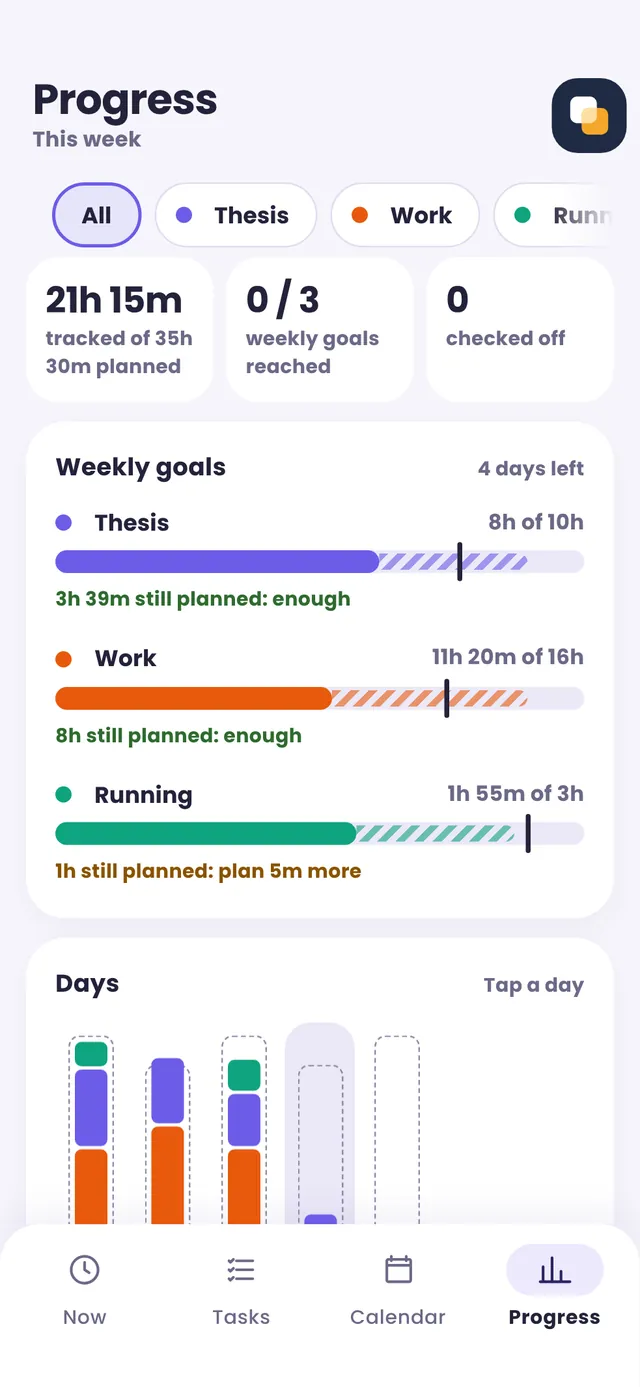
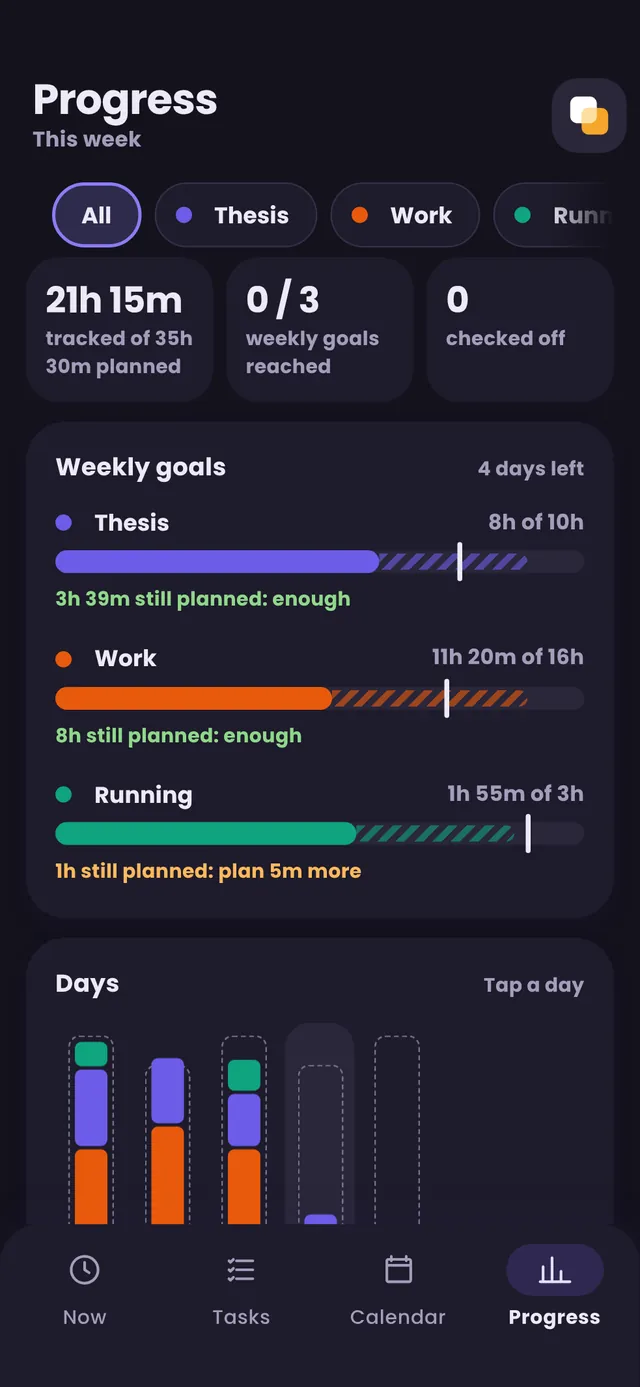
Progress: is it enough?
- Hours against each weekly goal
- Whether the blocks left are enough
- Forgot to start? Add the time later
And around the pages
-
One click to focus
Pick a commitment in the top bar; the pages show only it.
-
Pomodoro
Focus rounds and breaks, if you like them.
-
Reminders
When a block starts and before it ends.
-
In the Mac’s menu bar
The timer and today’s blocks, one click away.
-
Encrypted sync
Your devices encrypt everything before it leaves.
-
Your data, whole
Back up everything to one encrypted file.