
Your first week, in minutes
From an empty app to a planned week.
-
Open it
On your Mac, phone or browser.
-
Add commitments
Thesis, 10 hours a week. Running, 3.
-
Write the tasks
End a title with an estimate: “Draft 1h30”.
-
Plan blocks
Put tasks in the calendar. Then press Start.
Good to know
Focus. Click a commitment in the top bar to see only it. Again to see all.
Forgot to start? Add the time later in Progress, or mark a past block as worked.
Something unplanned? Track something else, from Now.
Pomodoro. Turn it on in Settings.
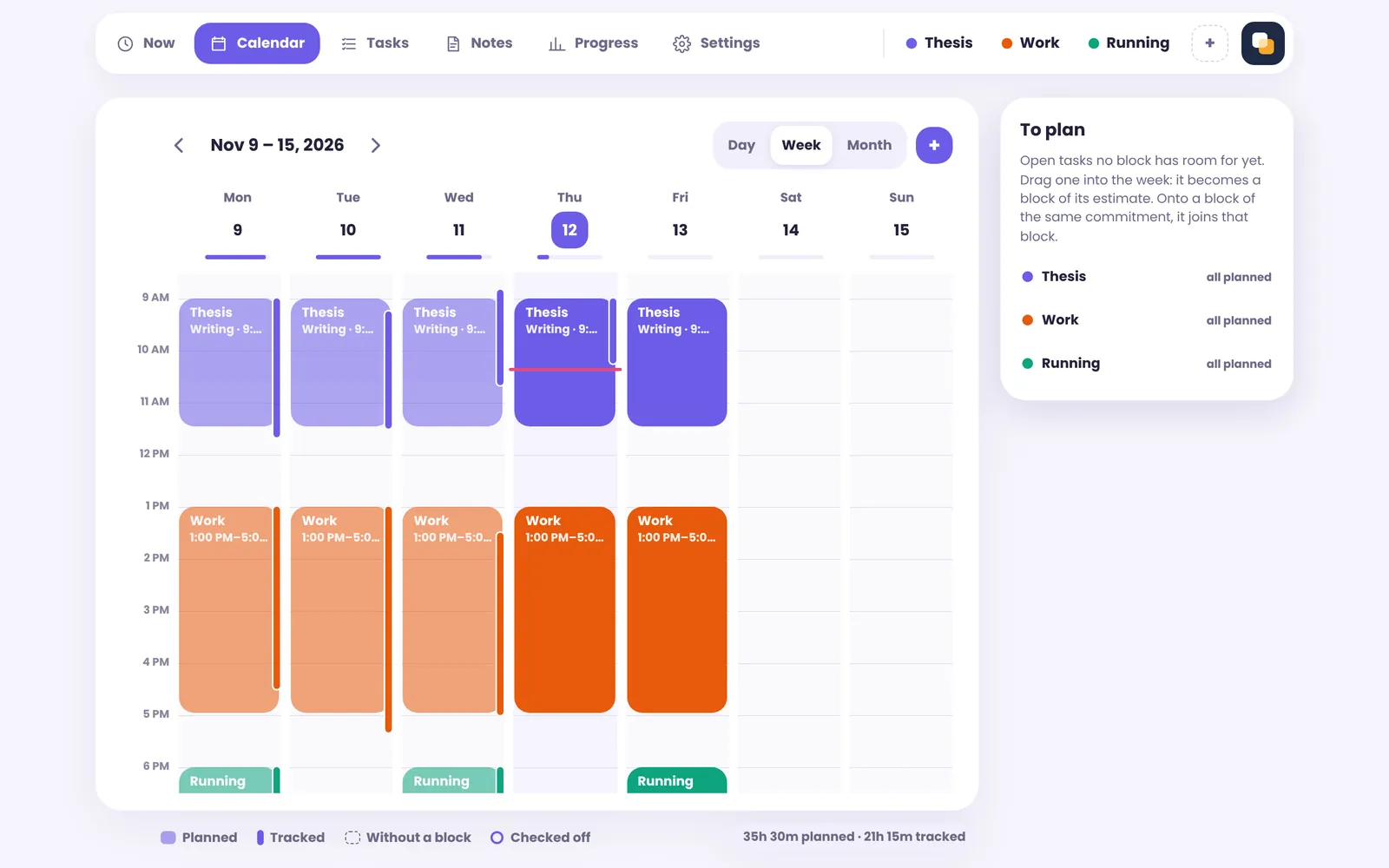
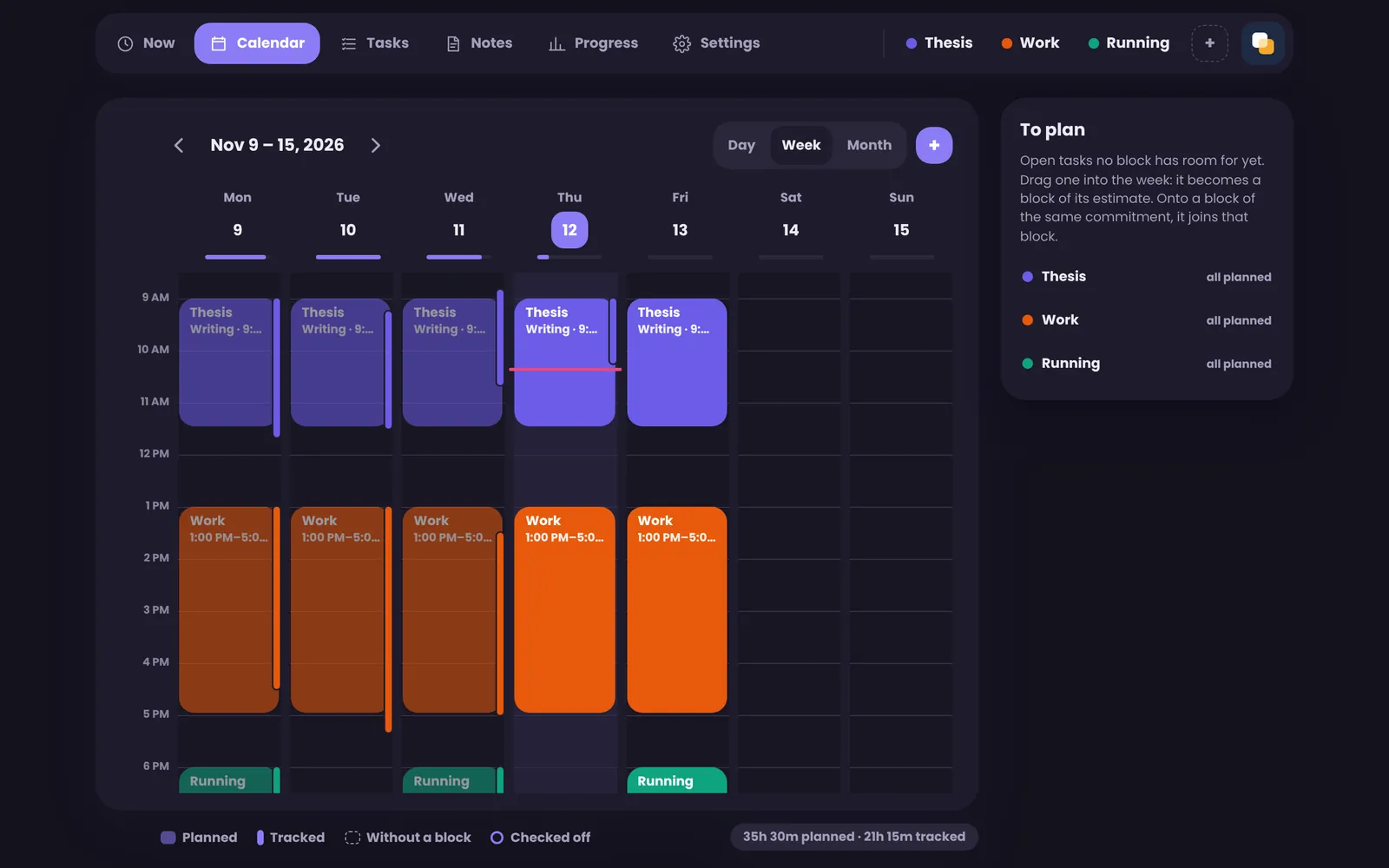
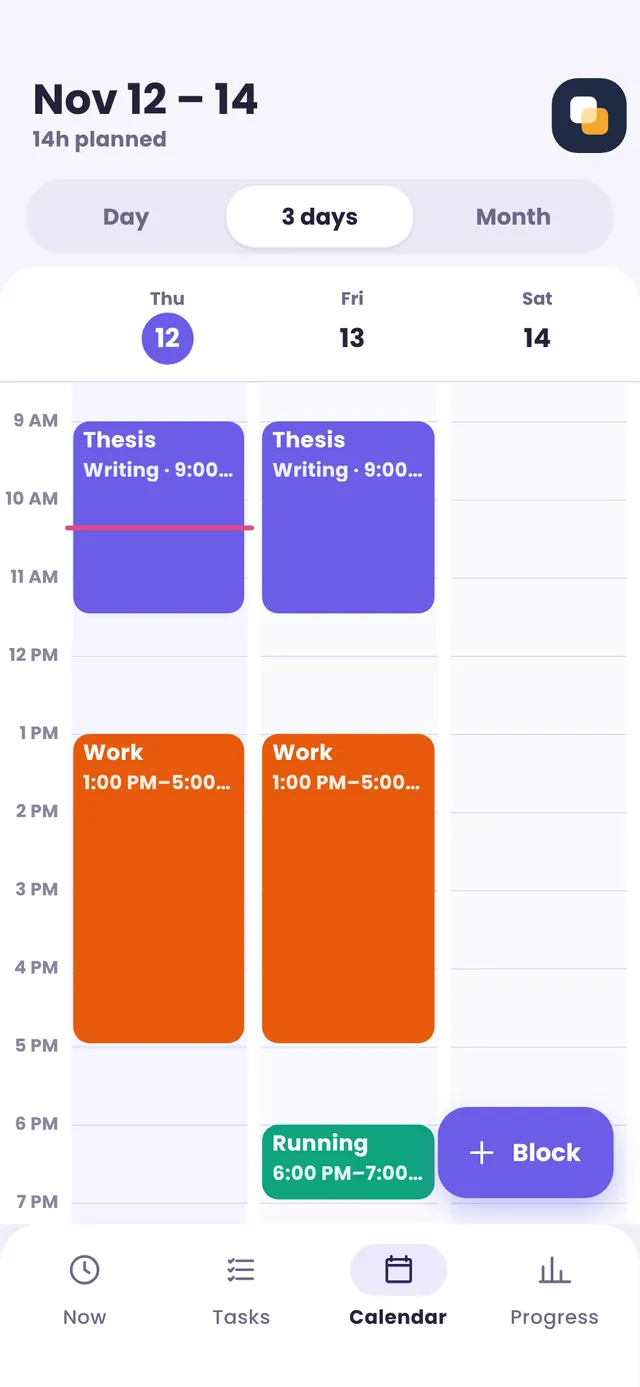
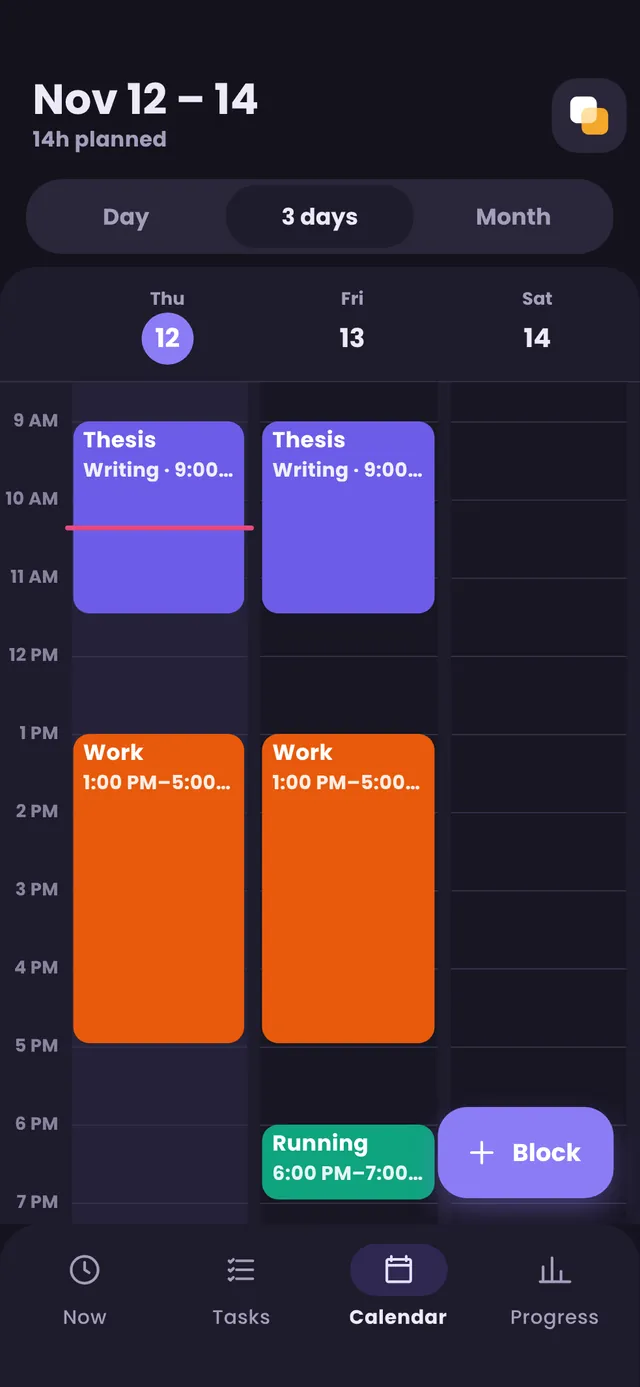
All your devices
Sign in to the same account on each. The first asks for a passphrase; the others ask for it once.
Keep it in a password manager: nobody can recover it.
Backups
Settings, then Your data: one encrypted file. Importing never deletes anything.